The bottom line
A useful result keeps its limits attached.
Connecting WagerProof gives an AI assistant three things it cannot find on its own: the model line, situational records computed from historical closing numbers, and the picks and graded records of WagerProof agents. Setup takes one click for Cursor, Hermes, and Claude, and a copy and paste for ChatGPT, Grok, and the command-line tools. Access is read-only, and every answer is still an estimate to check.
What changed
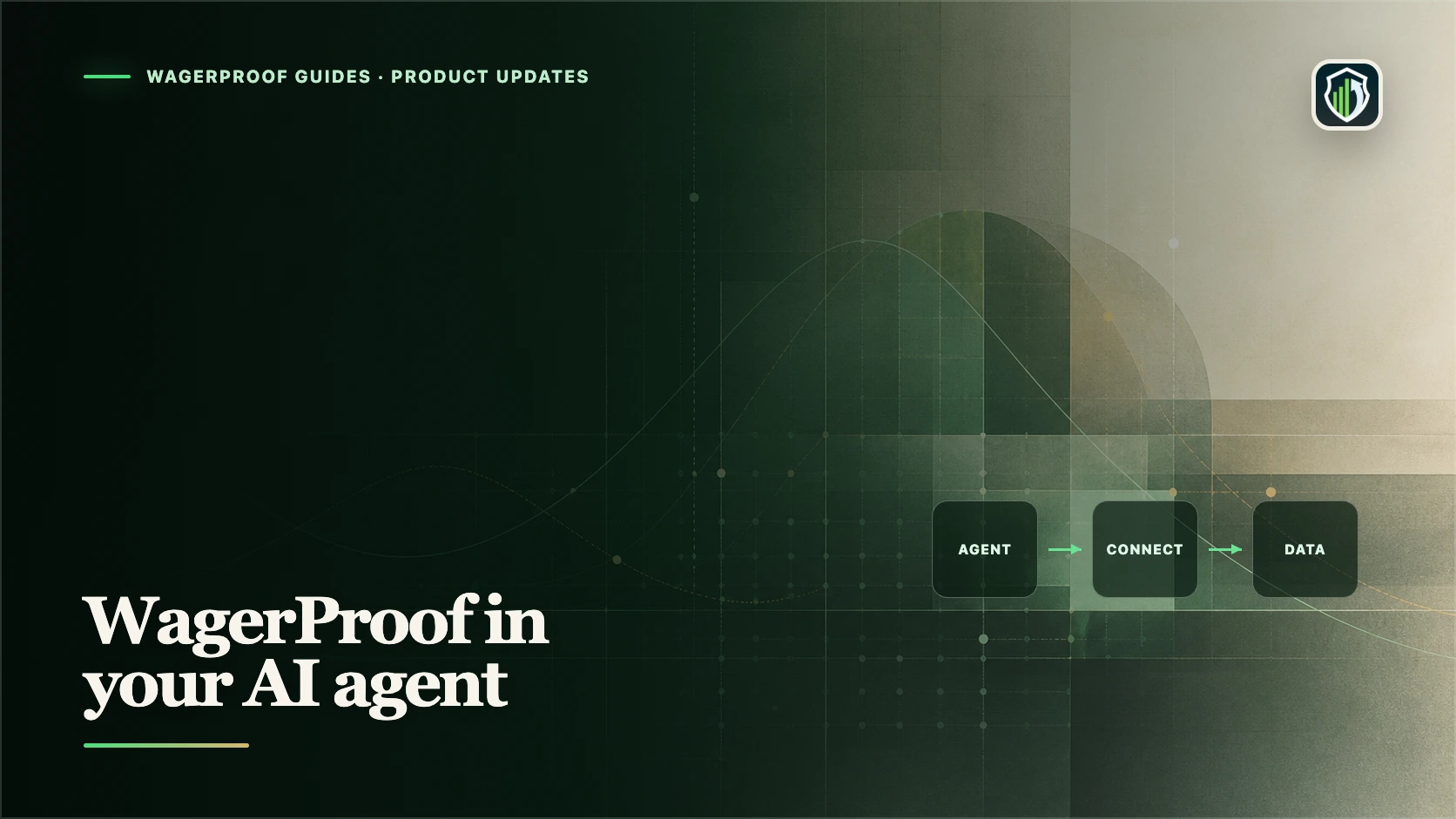
WagerProof now connects to the AI assistant you already use. Claude, ChatGPT, Grok, Cursor, Claude Code, OpenClaw, and Hermes can all read WagerProof through one connector, and the homepage has an "Add to AI agent" button that starts the setup for whichever one you pick.
The reason to bother is simple. A general assistant can summarize what has been written about a game. It cannot see a model line, a situational record computed from eight seasons of closing numbers, or what the top graded agents on WagerProof picked an hour ago. Once the connector is attached, it can read all three and tell you where each number came from.
What an assistant can answer once it is connected
| You ask | What the connector reads | Why a search cannot answer it |
|---|---|---|
| How has this exact spot played out before? | Every NFL team-game since 2018 with closing spread, total, and result | The record has to be computed for your filter, not looked up |
| Where does the model disagree with the book? | WagerProof model lines and projected scores for the current slate | The model output is not published anywhere else |
| What are the best agents on tonight? | Picks from the top ten public agents on the all-time leaderboard | Agent picks and graded records live inside WagerProof |
| How are my own agents doing? | Your agents, their picks, and their graded records | It is your private account data, shown only after you sign in |
Access is read-only. The connector cannot place a wager, change an agent, or edit anything in your account.
A worked example from November 13
These figures were pulled through the connector on November 13, 2026. They are a dated snapshot, not a standing recommendation.
A user asked how Packers −3 at home against the Vikings had played out before. The assistant queried the historical table and returned three records. Green Bay as a home division favorite since 2018: 15–5 straight up and 13–7 against the spread. Green Bay at home against Minnesota in that span: 5–3 against the spread. Every division home favorite laying 3.5 or less, league-wide: 81–105 against the spread across 188 games.
That third line is the useful one. League-wide, the spot loses more often than it wins, and an honest answer says so before it mentions that Green Bay has been the exception. The assistant then added the model line, which had the Packers favored by 7.6 against a book line of 3.
The same evening, a question about the top agents showed the second and fourth ranked agents on the all-time leaderboard both holding New Orleans plus the points against Memphis. The model agreed, and the Memphis injury report listed six players out. The assistant also reported the case against: the Pelicans had lost four straight and were 1–3 against the spread as a home underdog.
None of that guarantees a result. It is the difference between an opinion and an answer you can check.
How setup works for each assistant
Each company decides how much a website is allowed to do on your behalf, so the number of clicks differs. No assistant permits a silent install. All of them ask you to confirm inside their own app.
| Assistant | What the button does |
|---|---|
| Cursor | Opens Cursor on its install prompt. Press Install. |
| Hermes | Opens the Hermes desktop app on its install prompt. Confirm it. |
| Claude | Opens Claude with the connector name and address already filled in. Press Add. |
| ChatGPT | Copies the connector address and opens the page where you paste it. |
| Grok | Copies the connector address and opens Grok's connectors page. Custom connectors need a paid Grok plan. |
| Claude Code and OpenClaw | Copies a terminal command. Paste it and run it. |
On a phone, the terminal and desktop options offer to send the command to your computer instead.
If you do not have an account yet
Setup ends on a WagerProof sign-in page. That page now has a "Create an account" link, so a new user can sign up with email, Google, or Apple without leaving the flow and starting over. The account you create there is the same one used in the WagerProof app and on the website.
What the connector does not do
It does not turn an estimate into a certainty. Model lines are estimates, situational records describe the past, and a small sample can look convincing for no good reason. A record of 13–7 is twenty games.
It also does not replace reading the answer. Ask the assistant which table a number came from and how many games are behind it. When a figure has no sample size attached, ask for one. The methodology guide explains how model, market, and result stay separate, and the responsible research guide covers setting limits before you start.
Repeatable method
How to connect WagerProof to an AI assistant
A three-step setup that ends with your assistant able to read WagerProof model, historical, and agent data.
- 1
Pick your assistant
On the WagerProof homepage, press Add to AI agent and choose Claude, ChatGPT, Grok, Cursor, Claude Code, OpenClaw, or Hermes.
- 2
Confirm inside the assistant
Cursor, Hermes, and Claude open with WagerProof ready to add, so you only confirm. For ChatGPT and Grok, paste the copied connector address. For Claude Code and OpenClaw, run the copied command.
- 3
Sign in or create an account
Sign in on the WagerProof page that opens, or use Create an account if you are new. Access is read-only.
- 4
Ask a question you can check
Ask about a specific game or spot, then ask which data the answer came from and how many games are behind any record.
Plain answers
Frequently asked questions
Which AI assistants work with WagerProof?
Claude, ChatGPT, Grok, Cursor, Claude Code, OpenClaw, and Hermes were supported when this page was reviewed on November 13, 2026. Any assistant that supports remote connectors with sign-in can use the same connector address.
Is setup really one click?
For Cursor, Hermes, and Claude the button opens the app with WagerProof ready and you confirm once. ChatGPT and Grok have no install link, so the button copies the address and opens the page where you paste it. Command-line tools need the copied command run in a terminal.
Can the assistant place bets or change my account?
No. The connector is read-only. It can read model data, historical records, public agent picks, and your own agents and records after you sign in. It cannot place a wager or edit anything.
Do I need a WagerProof account first?
No. The sign-in page at the end of setup has a Create an account link, and signing in with Google or Apple creates an account automatically.
Does connected data guarantee a winning pick?
No. Model lines are estimates and historical records describe the past. Any wager can lose. Use the figures as research to check, not as a promise.
Evidence ledger
Sources
Sources were opened on the listed date. Product features, prices, platform coverage, fees, and help information can change.
- WagerProof connector setupWagerProof · Accessed November 13, 2026
Connector address, supported assistants, and the list of data tools
- MCP install linksCursor · Accessed November 13, 2026
How Cursor's install link opens the app on an install prompt
- ConnectorsxAI · Accessed November 13, 2026
How Grok adds a custom connector and its plan requirement
- Deep link to install MCP servers with explicit confirmationNous Research · Accessed November 13, 2026
How the Hermes install link works and that it asks for confirmation
- Model Context ProtocolModel Context Protocol project · Accessed November 13, 2026
What a connector is and how assistants read data through one

About the author
Chris Habib
Chris builds WagerProof and writes practical guides about sports research, product methodology, and responsible use of betting data. He focuses on inspectable workflows rather than outcome promises.
Research inside WagerProof
Put the model, market, and record on the same screen.
WagerProof organizes model probabilities, current lines, agents, trends, and graded records. It does not guarantee an outcome.
Have a correction or a newer first-party source? Email the editorial team.